Jemputan
Explore
Choose your invitation’s look, then follow its journey.
Pick a theme. Every guest screen below changes to match.
You send. Guests open.
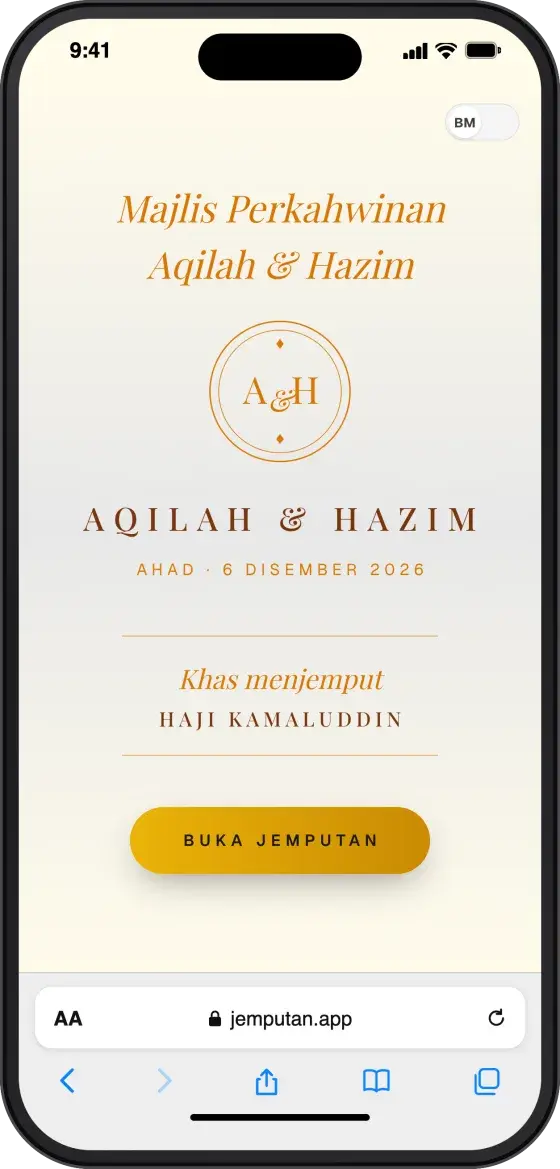
Invites go out on WhatsApp from your dashboard. Guests open them on their phones — in the theme you chose.
Dashboard: Invites → Guest phone: cover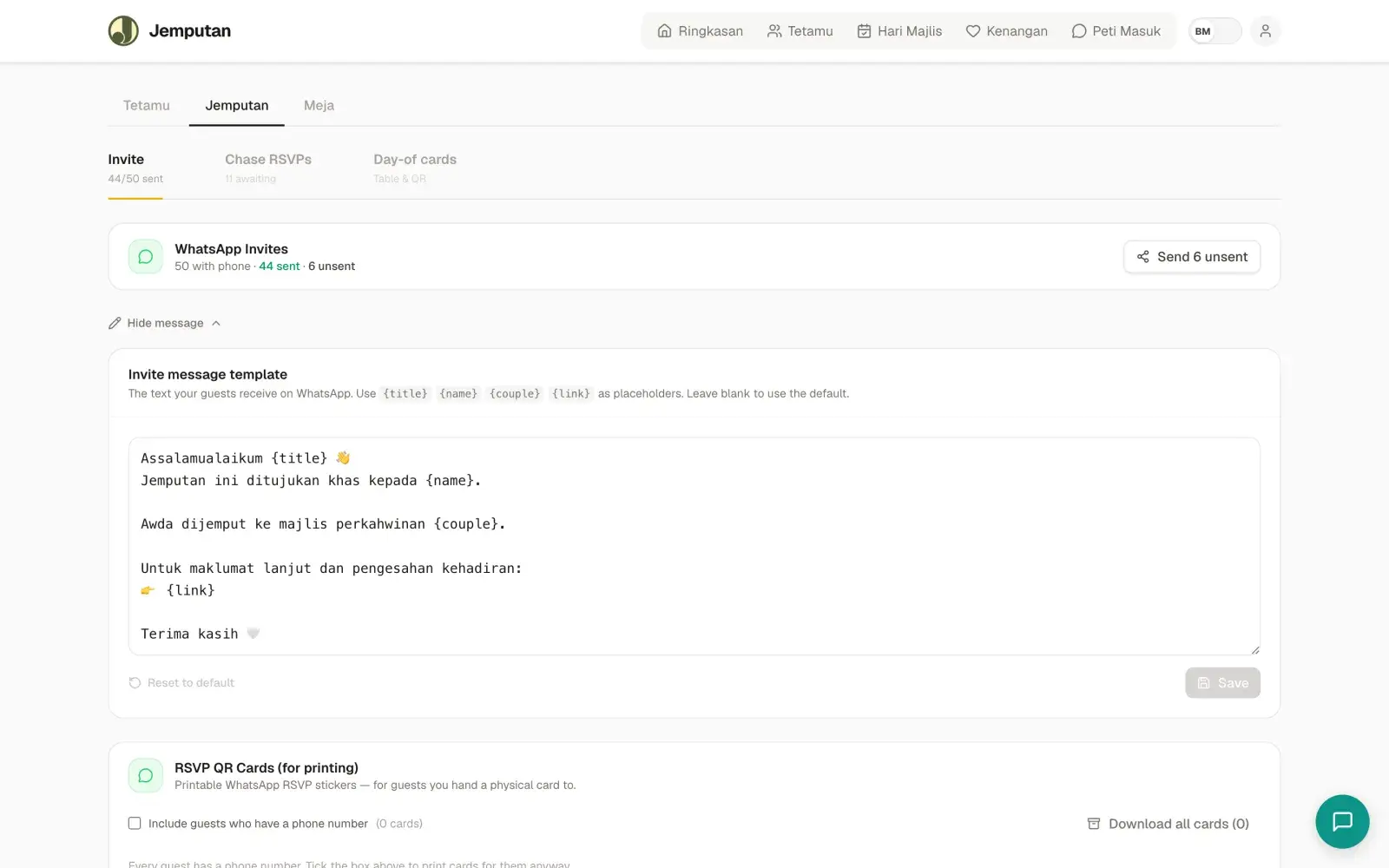
Guests reply. Your numbers move.
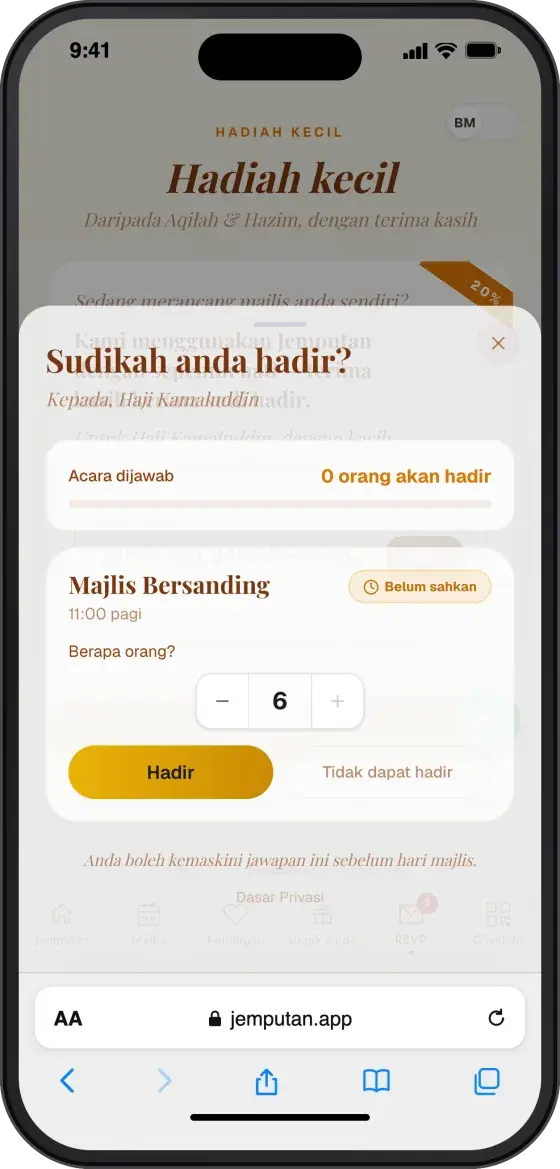
Guests choose how many are coming and tap Attend. Your guest list and expected headcount update instantly.
Guest phone: RSVP → Dashboard: Guests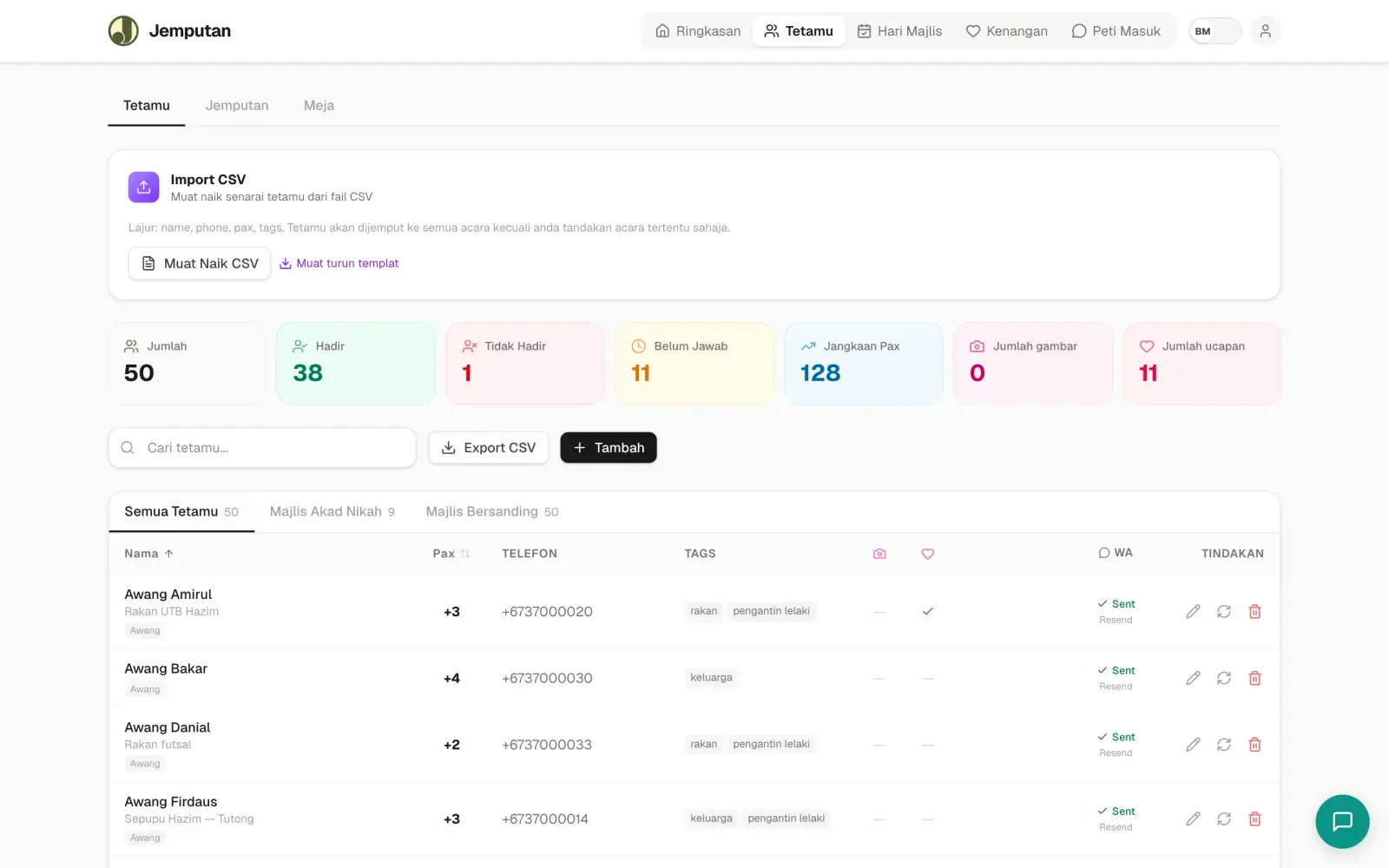
You seat them. Guests know where to sit.
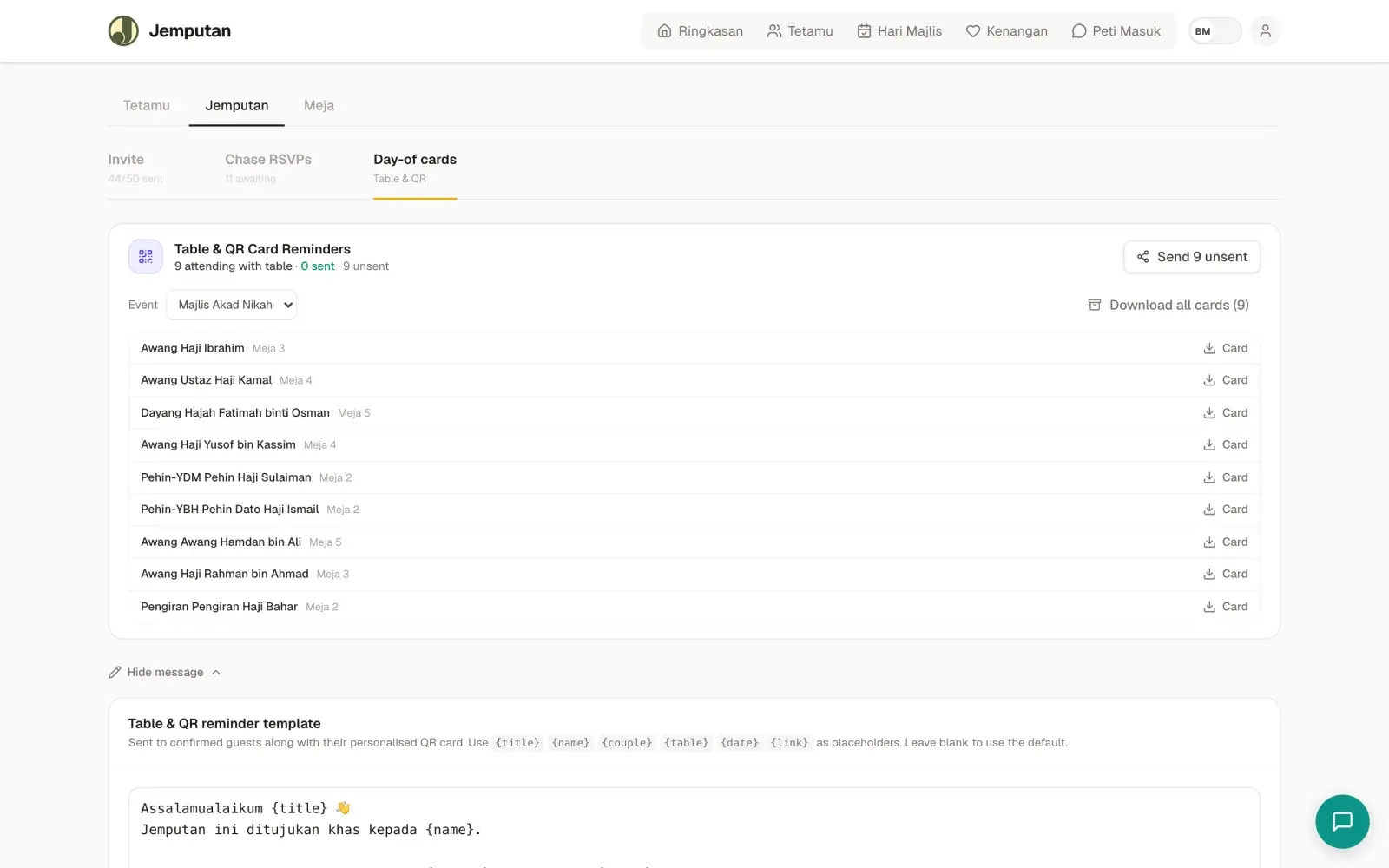
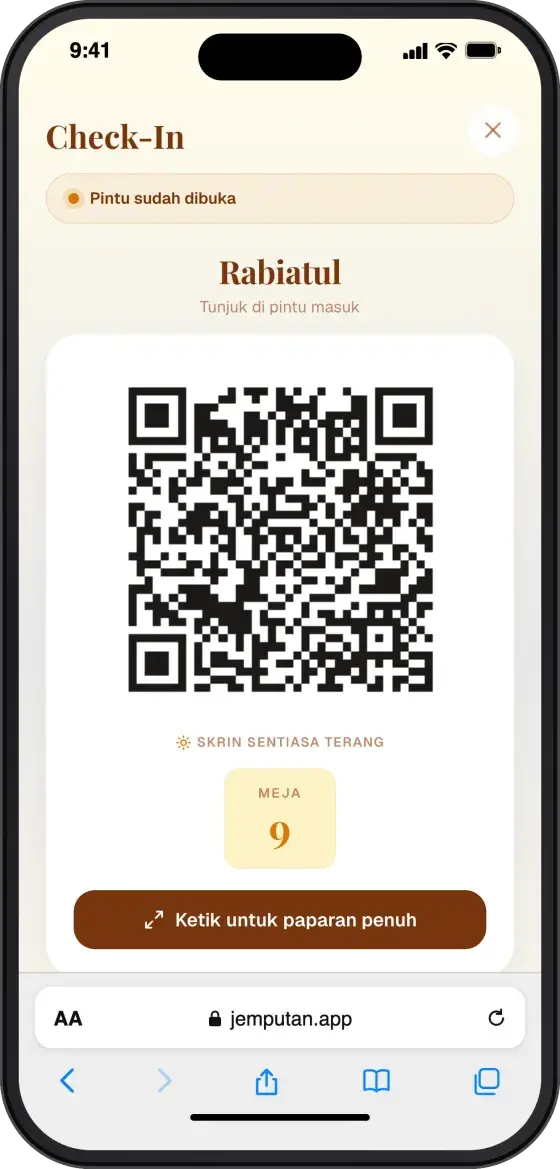
Drag groups onto tables. Every guest receives a QR code with their own table number.
Dashboard: Tables → Guest phone: QR & table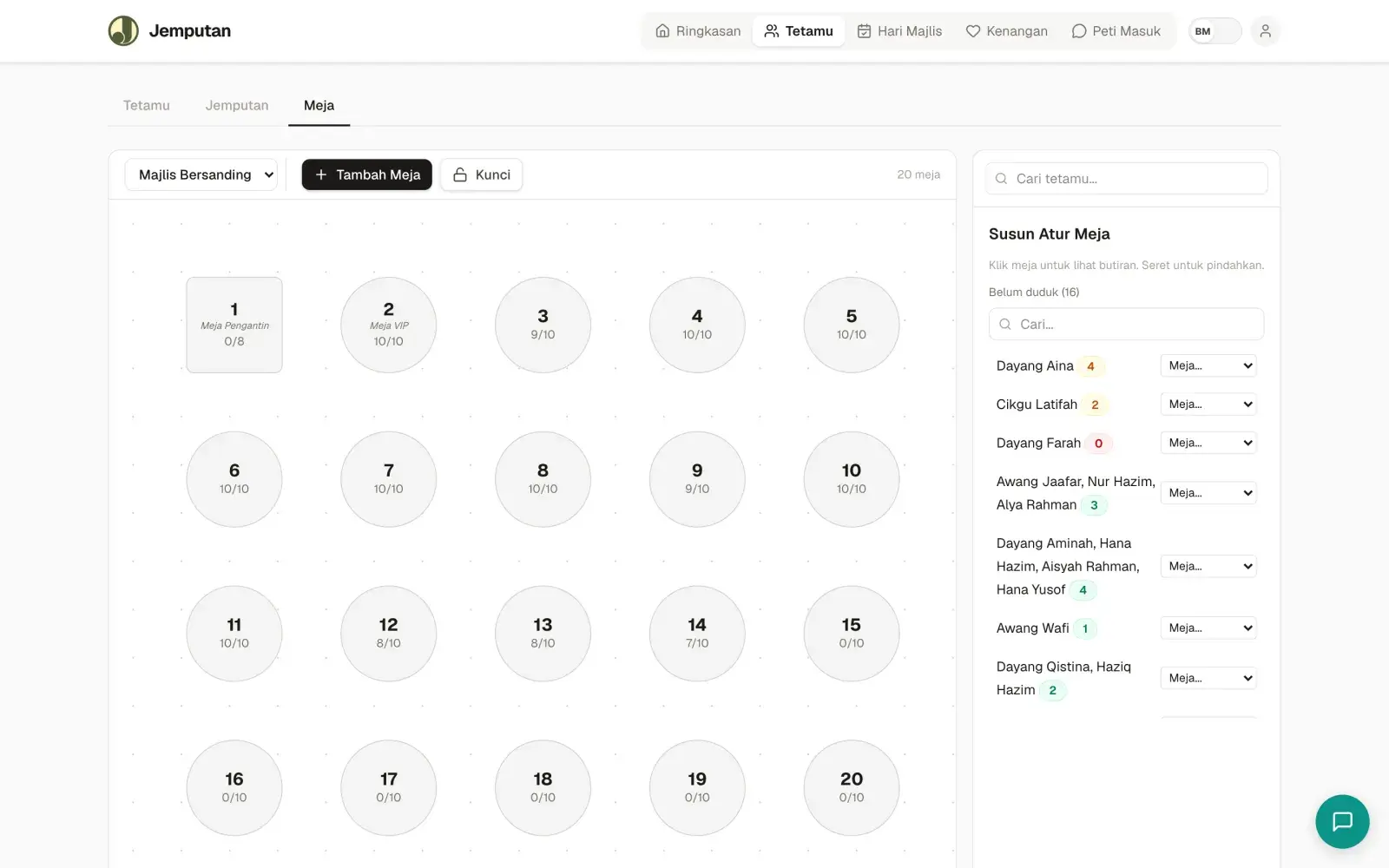
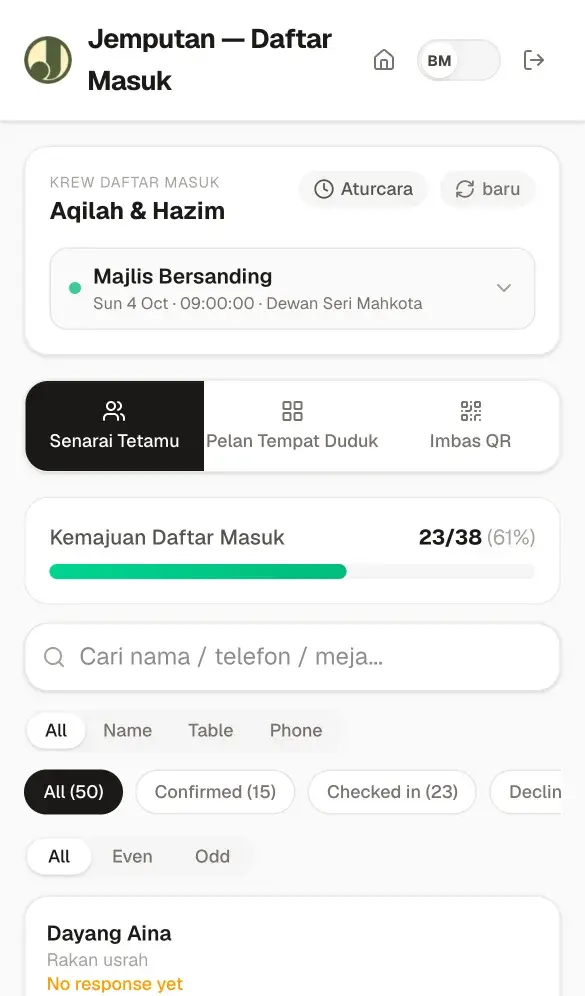
Crew at the door. You see everything.
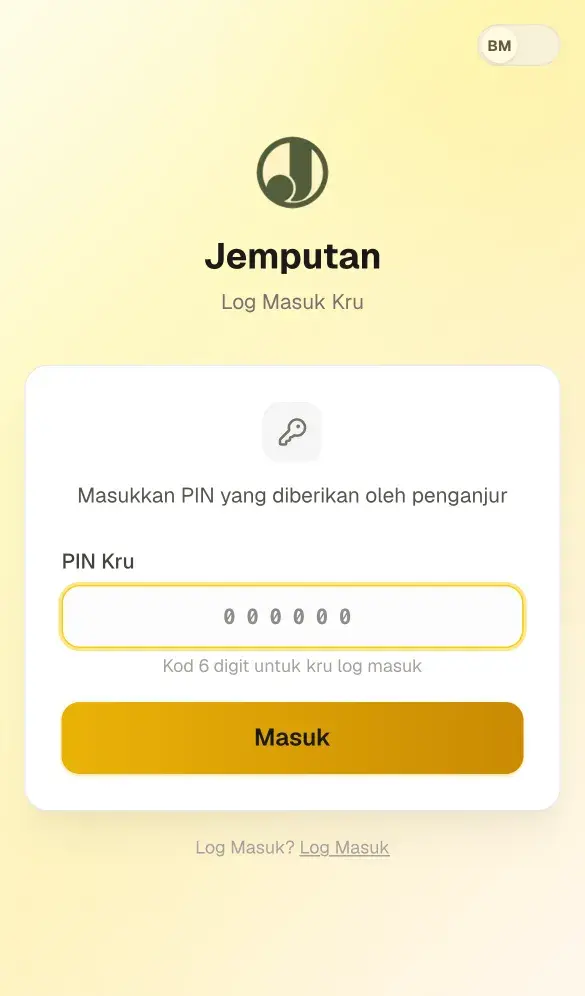
Crew sign in with a PIN and check guests in from their own phones. Arrivals appear on your dashboard live.
Crew phone: check-in → Dashboard: Day-of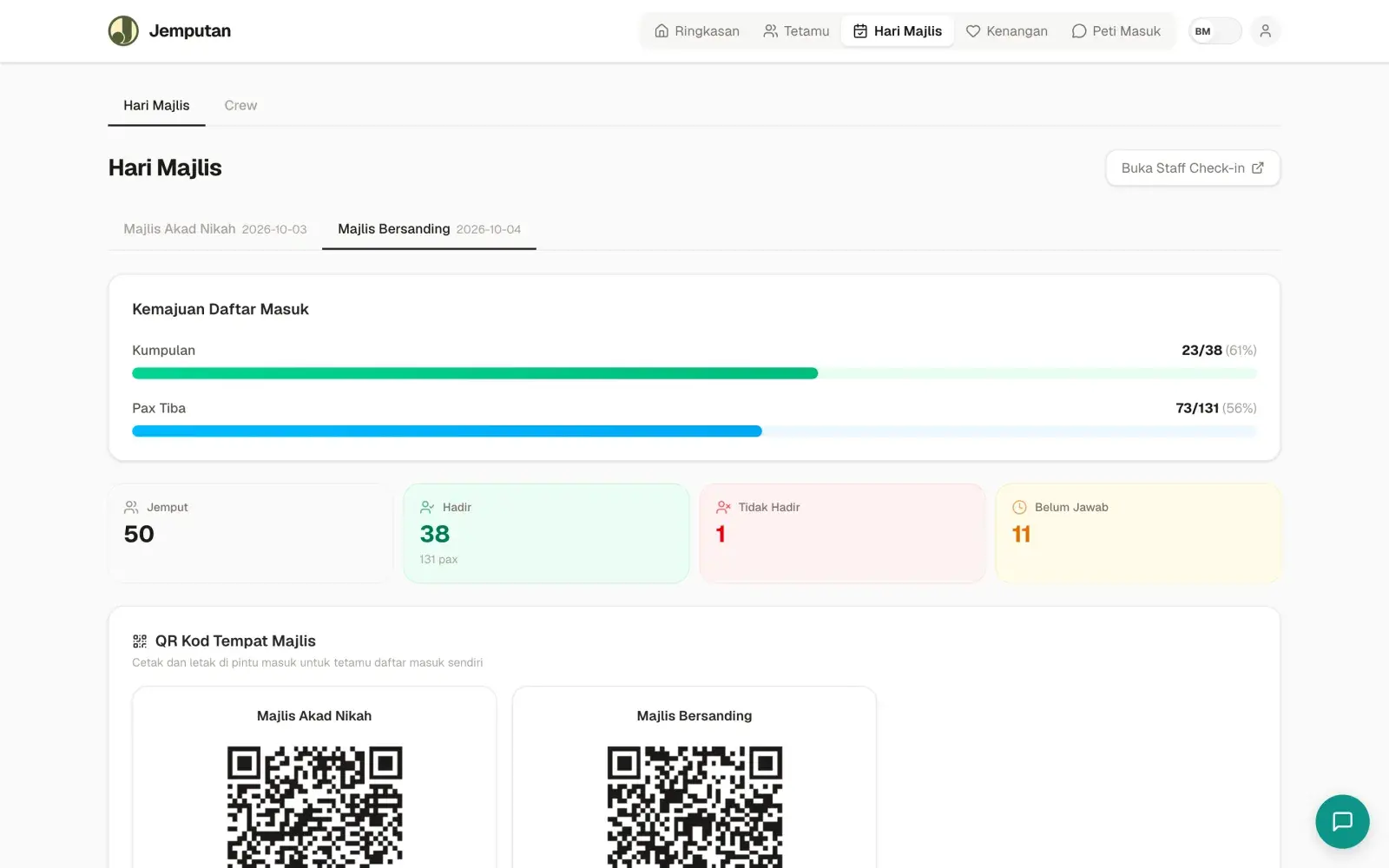
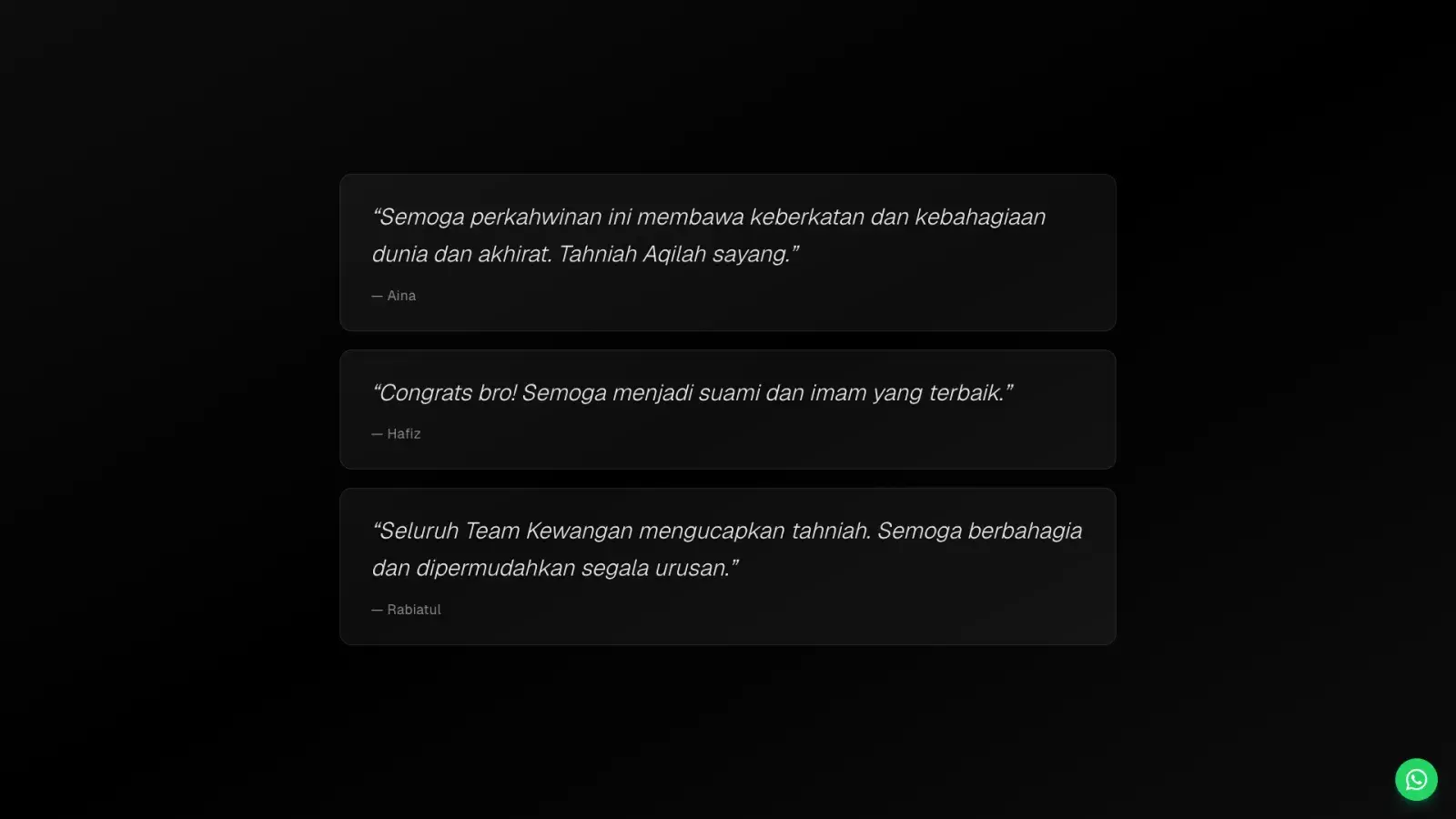
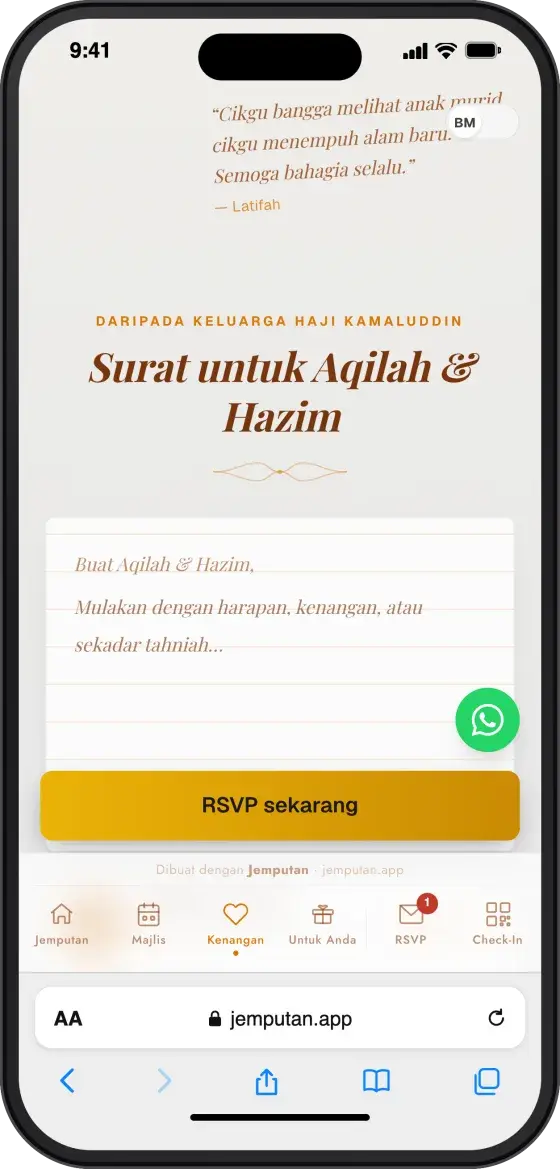
Guest wishes, on the big screen.
Guests write wishes from their invitation. You approve them, and they appear in the live slideshow during the event.
Guest phone: wish → Dashboard: Memories → Big screen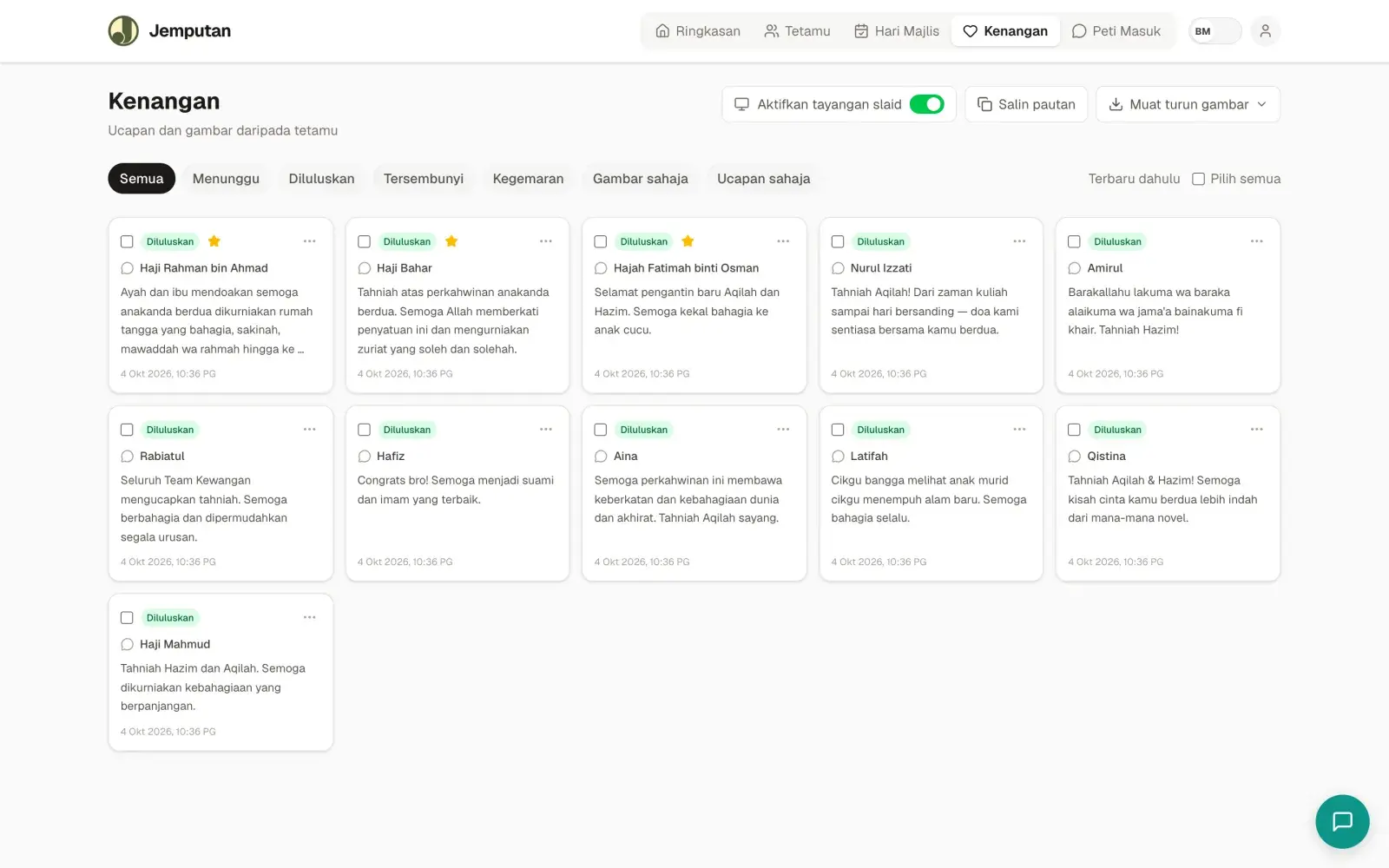
Make your own
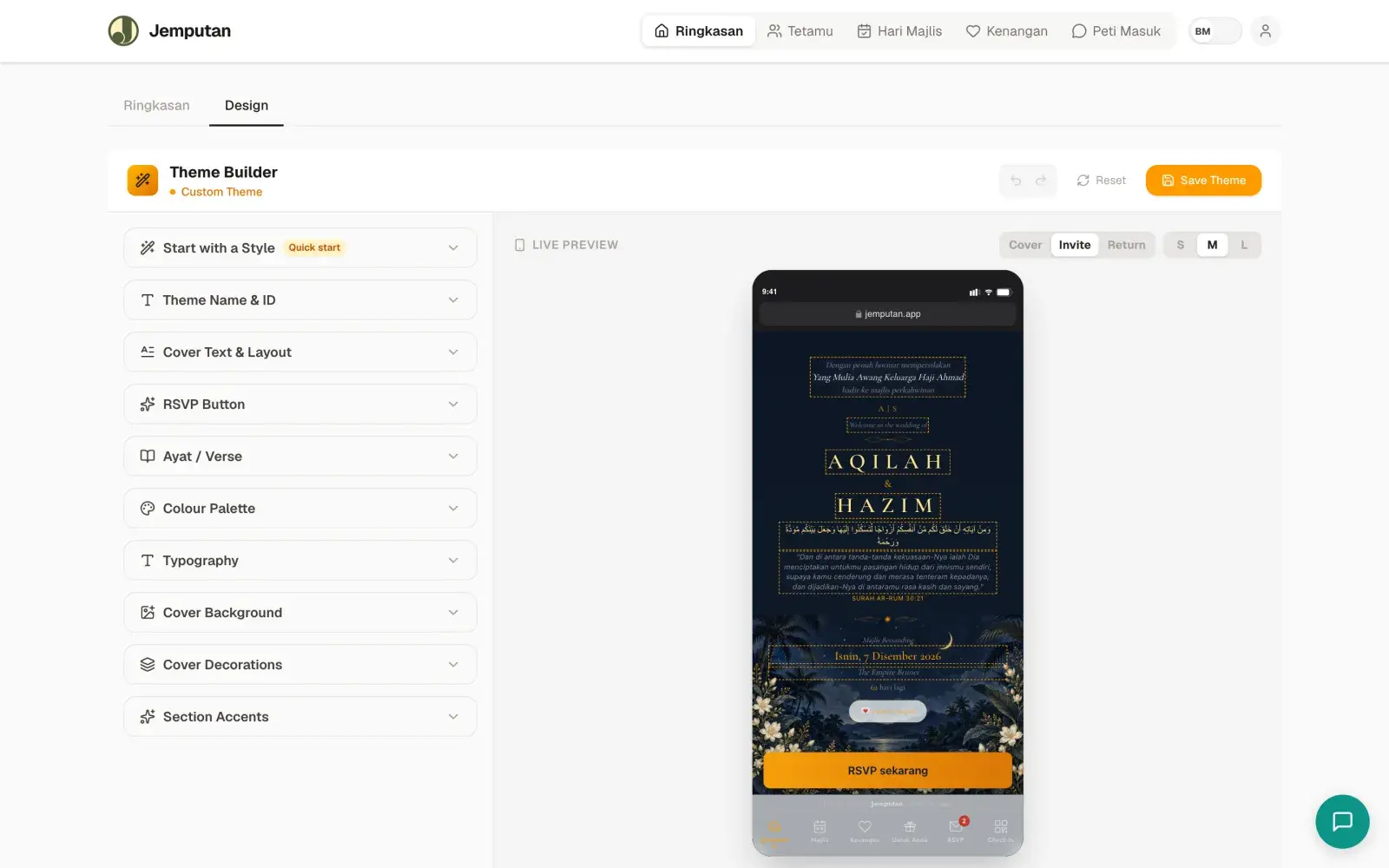
Nothing quite right? Build your theme.
Colours, fonts, cover decorations and verses — with a live phone preview. "Your own theme" above was built this way.